Copy your AI content
Copy common LaTeX or Markdown content generated by your AI tool.
TeXEq · For your next equation
Paste AI-generated LaTeX and Markdown into Word.
Convert equations and keep editing, from research papers to lecture slides.
Available for Mac & Windows
Energy of a harmonic oscillator

Total energy:
$$ E = \frac{1}{2}mv^2 + \frac{1}{2}kx^2 $$Kinetic and potential energy exchange as the oscillator moves. Total energy remains constant.
01 / AI → WORD
Bring AI content into Word with less retyping.
Copy common LaTeX or Markdown content generated by your AI tool.
Paste text and equations, then select the content you want to convert.
Use TeXEq to convert equations and edit them to suit your document.
02 / MAC + WINDOWS
Insert and edit equations in Word and PowerPoint on Mac and Windows, with seamless cross-platform compatibility for your papers and presentations.
Word / PowerPoint
macOS 15+ · Apple silicon
Word / PowerPoint
Windows 10/11 · x64 / ARM64 / x86



03 / KEEP YOUR EQUATIONS
Keep working with equations created in MathType or AxMath. Recognize, convert and edit compatible legacy objects in existing papers, notes and slides, with less retyping.
04 / LATEX, YOUR WAY
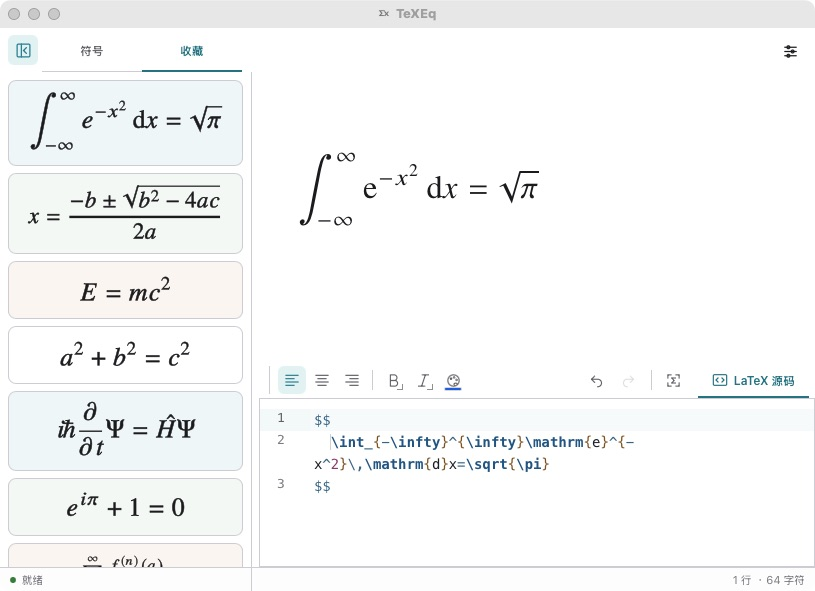
Write source or edit equations visually. LaTeX and the visual editor stay in sync. Switch between SVG images, native Office equations and LaTeX as your document needs.
05 / TOOLS + OCR
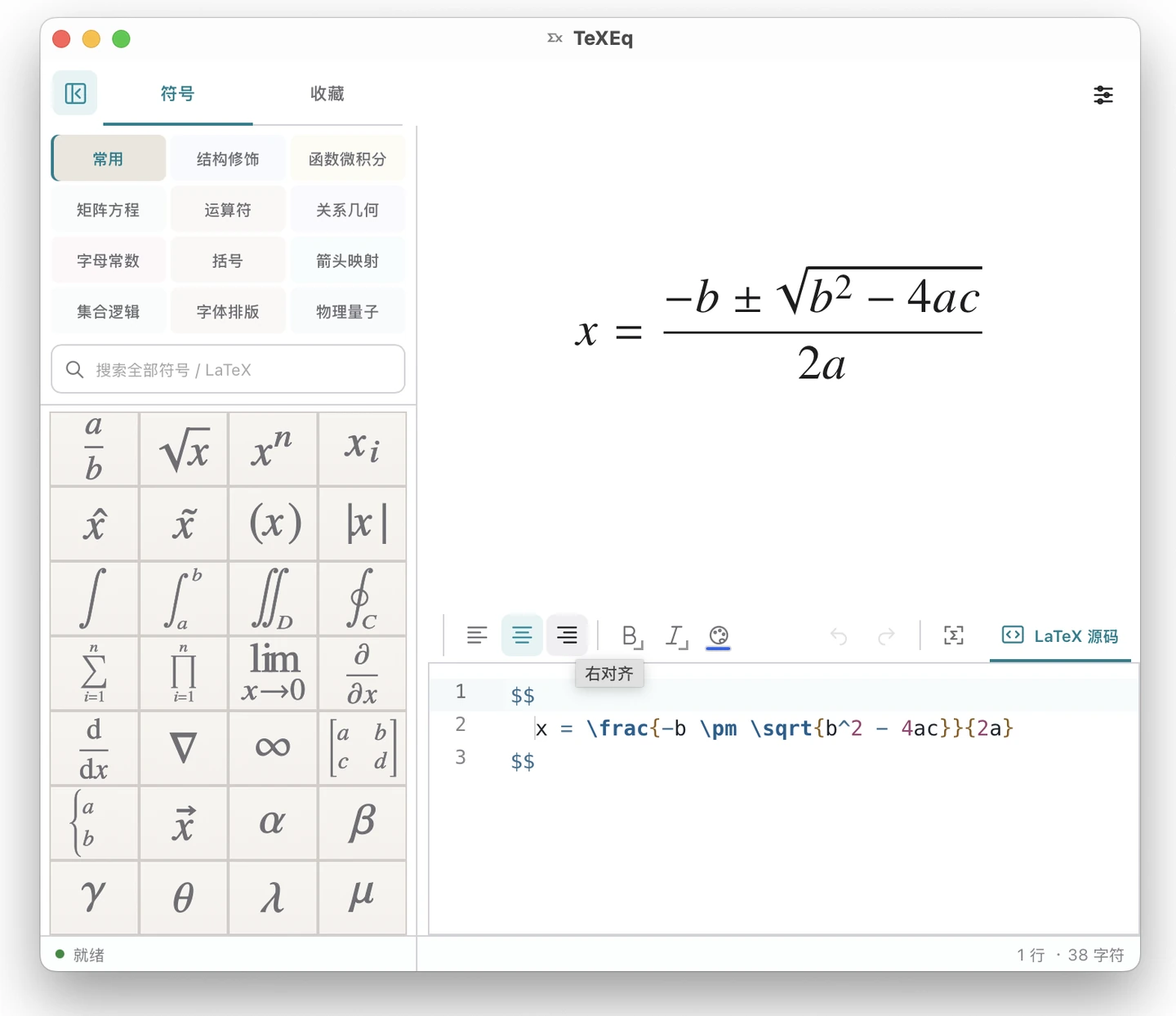
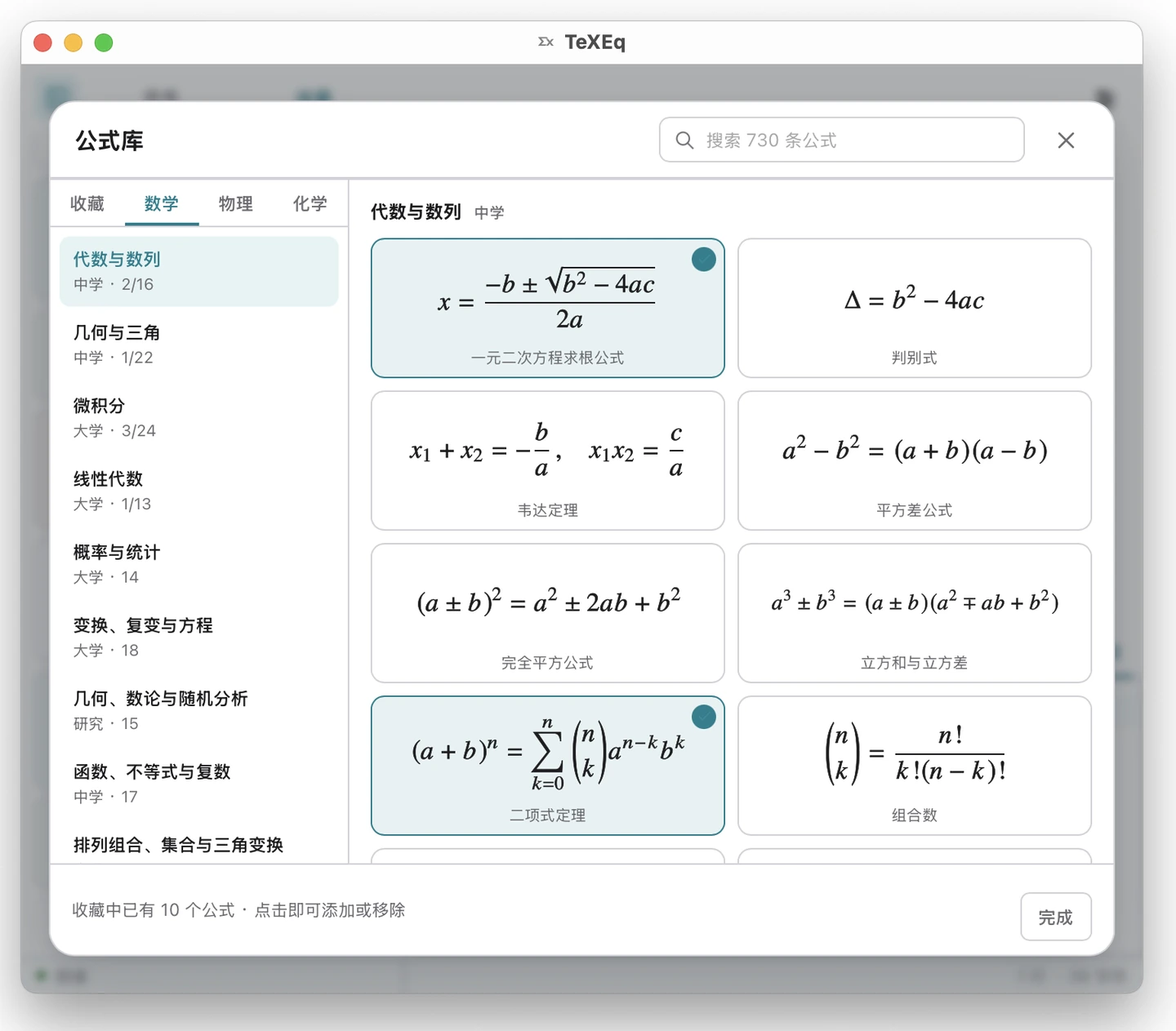
Choose fractions, integrals, matrices and symbols from visual tools. Adjust size and style directly. Use the built-in OCR entry point to recognize an equation image, then refine the result.
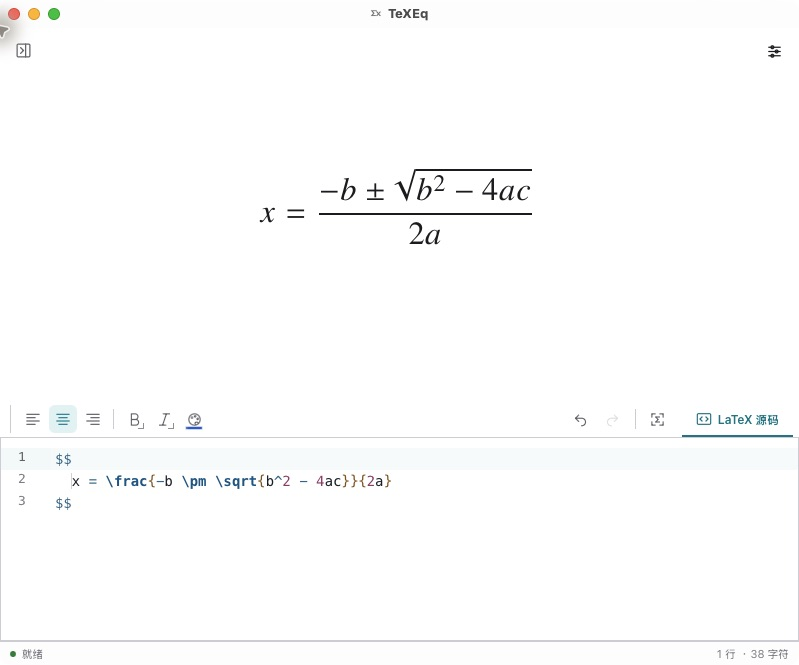

OCR requires a configured recognition service. Images go directly to your selected provider.

Install for Mac or Windows, open TeXEq from Word or PowerPoint, and start inserting, converting and editing.
15-day full-feature trial · Free 3-year .edu academic license · Academic Program & License ↗
Free for verified university emails, voluntary creator support, or instant checkout via Waffo (WeChat Pay / Alipay / Cards / Apple Pay)
macOS 15+ (Apple Notarized) · Windows 10/11 (x64 / ARM64 / x86)
GOOD TO KNOW
Mac requires macOS 15 or later with Apple silicon and desktop Word / PowerPoint for Mac. The Windows universal installer supports Windows 10/11 on x64, ARM64 and x86 with desktop Word / PowerPoint for Windows.
The workflow supports common LaTeX and Markdown equations and text. Complex packages, TikZ, PSTricks and some special layouts are outside the supported range.
Compatible MathType / AxMath equation objects can be recognized and edited. Ordinary equation images or screenshots need OCR first.
The Mac installer is Developer ID signed and Apple notarized. The Windows universal installer automatically detects your CPU architecture and sets up the Office add-ins.